

Getting a QVC Customer Number is easy and free! There are several ways to become a QVC Customer:
Online: go to Create a QVC Account and follow the simple directions.
Via phone: call a Customer Representative at 1-888-345-5788.
Or, simply place your first order. When processing your order, QVC will assign you a QVC Customer Number. For added security, you will also receive a PIN.
QVC offers a "Forgot Your PIN?" feature that enables you to obtain your PIN within minutes by simply entering the email address that appears on your QVC Customer account. QVC will then send your PIN directly to your email address. If the address you provide does not match the one on your QVC customer account, you'll receive a message advising you to contact the QVC Customer Service department.
You can also get your QVC Customer Number by calling Customer Service at 1-888-345-5788. When you call, be sure to have your name, complete billing address, and phone number handy so we can quickly find your account information.
To change your permanent account information on file (e.g., name, Bill-To address), go to My Account, then select the category of information you wish to change. Simply provide your QVC Customer Number and PIN, then you'll be given the option to change your information.
You can also change your account information by calling Customer Service at 1-888-345-5788.
Using the QVC Address Book, you can keep a list of all your shipping addresses. You simply enter the names and addresses of your family and friends into the address book, and we'll keep them on file for you. Then, when you order a product, you can select whichever "Ship-To" address you want, from a convenient drop-down box, when you choose Standard Check-Out for the order.
Yes! You can request Gift Wrap with many QVC products, for an additional fee. Your package will be wrapped in attractive, heavyweight paper — in a fresh, new color for each season – and adorned with a luxurious matching ribbon. The Gift Wrap service also comes with a Gift Card printed with your own message.
If the package is sent directly to another Ship-To name or address, the price will be omitted from the packing slip. You'll be sent a separate order confirmation for your records. Note: you must use Standard Check-Out to send to another Ship-To name or address.
You will see the Gift Wrap charge added to your order in the Shopping Cart next to the item you have chosen to wrap.
Yes! There are two ways you can include a personal message:
Gift Wrap and Card: When you request Gift Wrap, your package will be beautifully wrapped and accompanied by a Gift Card with your personal message, for an additional fee. If the package is sent directly to another Ship-To name or address, the price will be omitted from the packing slip, and you'll be sent a separate order confirmation for your records. Note: you must use Standard Check-Out to send to another Ship-To name or address.
Packing Slip Message: For most products, QVC offers a FREE Personalized Packing Slip Gift Message service. When you choose this service, QVC will print a personal message on the package's packing slip for no charge.
If the package is sent directly to another Ship-To name or address, the price will be omitted from the packing slip. You will be sent a separate order confirmation for your records. Note: you must use Standard Check-Out to send to another Ship-To name or address.
It's so fast and easy! You can use just one Shopping Cart to order multiple items at one time. When you see something you like, simply add that item to your Shopping Cart. Then, you can keep shopping and keep adding more items to the same Shopping Cart.
Note: Each subsequent item is added to the bottom of the Shopping Cart list. If your Shopping Cart remains idle for the next 30 minutes, the items in the Shopping Cart will be cleared and items will be moved to your saved list.
When you go through Check-Out, you'll see the total amount of all the items in your Shopping Cart. Each individual purchase is also listed. When you click on "Submit Order", you will have ordered all the items in the Shopping Cart with just one easy click.
Note: During the Check-Out process, you may revise or cancel your order. No order will be placed until you click the "Submit Order" button.
Sometimes QVC offers "deferred payment" on certain items. You'll have the option to pay for the item now, or pay at a later specified date. If the item has the deferred payment option, you will be told when you place your order. Note: the deferred payment option is available for QCard® purchases only.
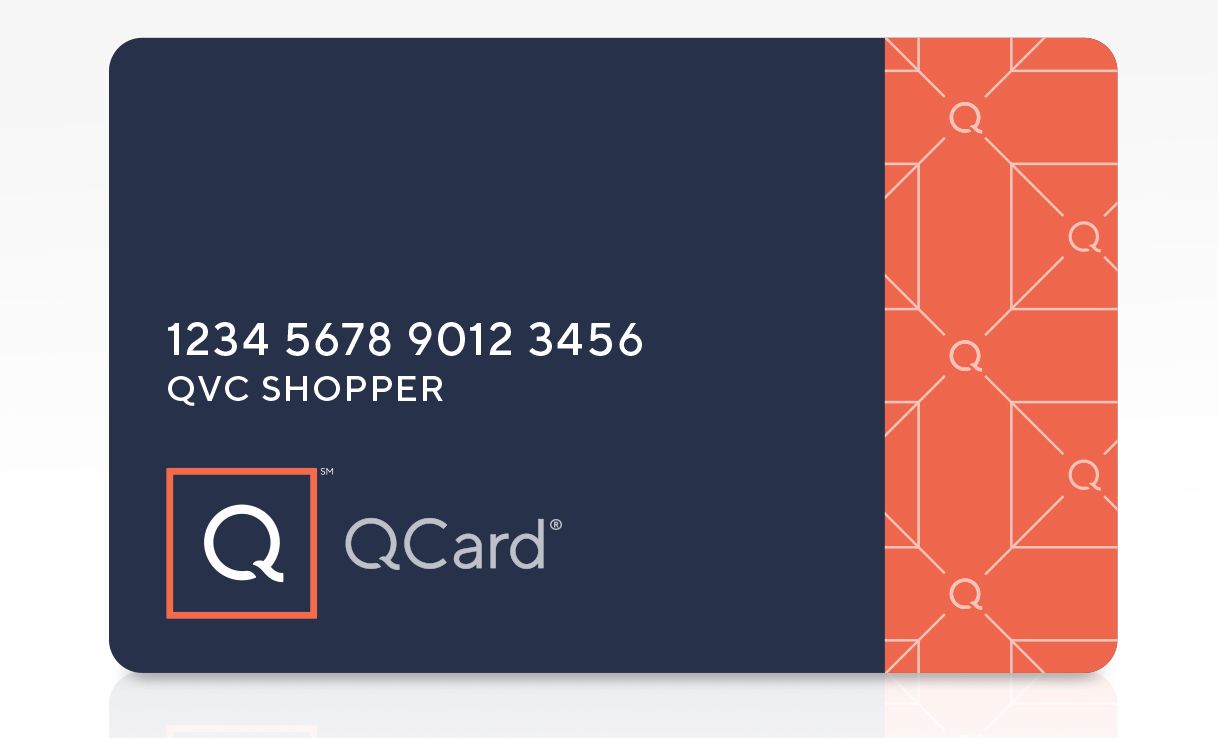
A QCard is a credit card issued exclusively to registered QVC shoppers. It's the quickest and easiest way to shop QVC, QVC outlet stores, and QVC.com and offers a single line of credit. Also, a QCard speeds up order processing, since your information is already stored on the system. Apply for a QCard now!
Mail your QCard payments to:
QCard
P.O. Box 530905
Atlanta, GA 30353-0905
Click here, or follow these steps:
QVC offers FREE newsletters and important Customer Service Correspondence via e-mail. To sign up, simply go to E-Mail Services in the My Account area. You'll need your QVC Customer Number and PIN to subscribe. Below are the convenient services you can elect to receive. Note: you can choose one, two, or all. You can cancel or change your selections, at any time, and as often as you wish.
You may discontinue, change, or reinstate E-Newsletters or Customer Service Correspondence at any time. Simply log on to E-Mail Services with your QVC Customer Number and PIN. Then, "check" or "uncheck" the services you wish to elect, or cancel, and re-submit.
If you receive an E-Newsletter that you're not interested in, you may quickly and easily cancel it. Simply click on "Reply" and write "Unsubscribe" in the Subject line. You will automatically be unsubscribed.
Yes! You can enjoy QVC programming by clicking on Watch Live TV on the left-hand side of the QVC.com homepage. Once there, you will be given complete instructions for viewing the live broadcast.
The InsideQ is a monthly, members–only magazine, loaded with benefits, special offers, and all the latest news from QVC. Every month, you'll receive these benefits:
You can be an InsideQ Member! Simply order your annual InsideQ membership the same way you purchase any QVC item: W1531 — Annual InsideQ Magazine Subscription.
Auto-Delivery is a convenient and risk-free program that allows you to enjoy the benefit of receiving your favorite QVC products, at the original order price, on an automatic shipping schedule that meets your individual needs. QVC products that are available on Auto-Delivery are clearly identified and can be easily ordered. And, after you place your order, you can conveniently customize or manage your Auto-Delivery plan(s) online or by calling Customer Service at 1-888-345-5788. There's no obligation to remain in the program and you may cancel at any time.
For more information on the Auto-Delivery program, please click here.
Online Auto-Delivery Management is a convenient tool to manage your Auto-Delivery purchases. Just click on Order Statusand from there, you'll be able to change how frequently your Auto-Delivery items arrive, delay your next shipment, and change the quantity of the Auto-Delivery items you ordered. You'll also be able to change your ship-to address and payment information and see when your next delivery will arrive.
The Waitlist option is offered when there is a reasonable expectation that the item will return to stock within 45 days. Although placing an order on our Waitlist is not a guarantee that stock will be received, it is a good way of reserving an item if it does come into stock. If we are unable to fulfill your order, you will be notified within 45 days.
Each day, we offer ONE ITEM at an EXCEPTIONAL LOW PRICE – good for THAT DAY, until 11:59 p.m. ET, unless it sells out sooner. See the Today's Special Value now.
Located near the top left-hand corner of the page, the Item On-Air feature allows you to view a still image and description of the product currently on air in our live broadcasting studios!
A Wish List is a tool that lets you keep track of the products you are interested in buying, before you actually buy them. As you shop, just click "Add to Wish List", and that item will be added to your Wish List. The Wish List feature is not a gift registry but is great way of sharing what you want with your friends and family.
Click to start creating your Wish List.
Return to topViewing video is easy – you can watch it within the video player, or enlarge it to full screen. If you want to see what's on QVC TV, just click Live Stream and you can watch it right on your computer. Or, visit Items Recently On Air to catch video presentations of your favorite products.
A Q Return Label provides all the information you need to return a purchase to QVC without having to visit a post office or mailing center. And creating and printing a Q Return Label is easier than ever — you can do it on QVC.com! Just click Order Status and in three simple steps, you'll have your return label. Fill out the online return form. Be sure to specify why you're returning the product and if it's an exchange or refund. Next, you'll see the amount that'll be automatically deducted from your refund. Print your return label. And don't worry — if you happen to misplace your label, you can print another one!
Love to cook? Live to scrap? Want the latest host dish? Then check out QVC's Community page where you can discuss and exchange ideas with people who share your interests. Read blogs from your favorite program hosts and celebrity guests, participate in polls and surveys, connect with others in the forums. You can even share your story for a chance to win a fabulous prize in one of our sweepstakes!
Want to stay updated on QVC's Today's Special Value® offers, one-time-only offers, and your favorite community forums and blogs? Add a QVC RSS feed to your personalized web page in a few simple clicks!